



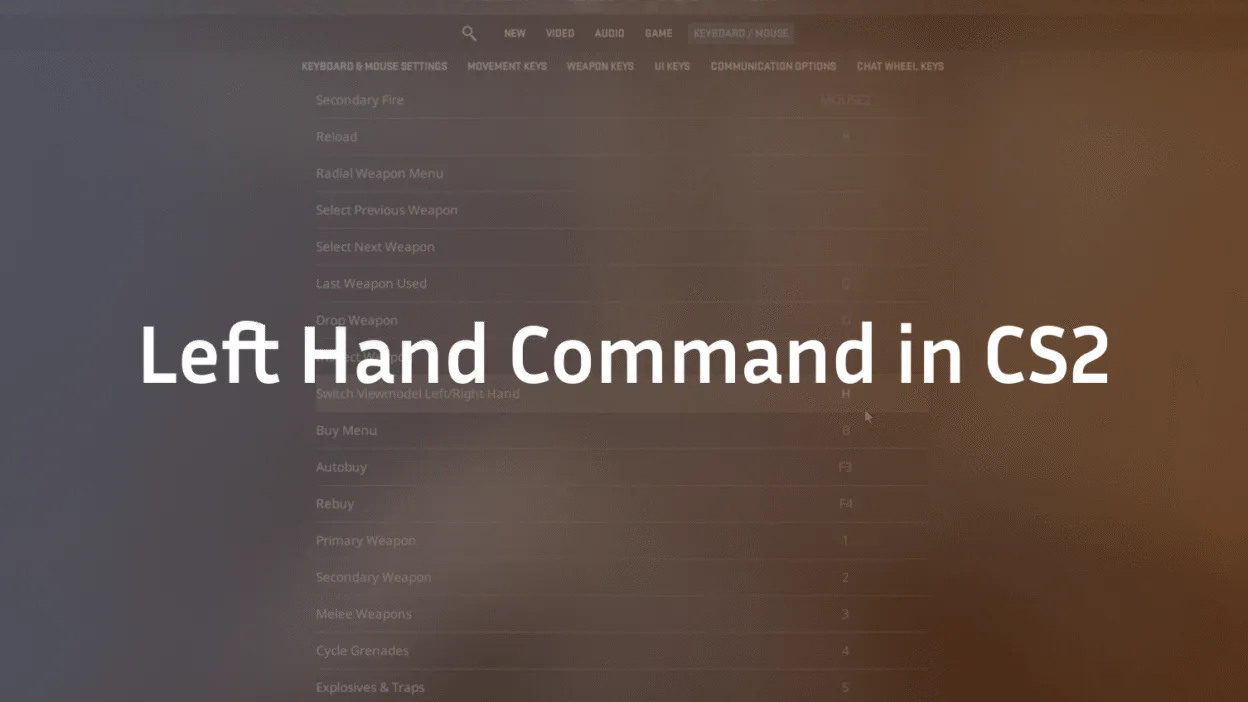
Changing your viewmodel hand in Counter-Strike 2 (CS2) is a small tweak that can make a big difference in your gameplay experience. Whether you want to switch to a left-hand view for better visibility, align with your personal preference, or copy pro players’ settings, this guide will walk you through every detail about the left hand command in CS2.
What Is the Left Hand Command in CS2?
In CS2, the hand your character holds their weapon in is controlled by the console variable cl_righthand. By default, it is set to 1 (right hand).
- cl_righthand 1 → Displays the weapon on the right side (default).
- cl_righthand 0 → Switches the weapon to the left hand.
This is the core left hand command in CS2, and all other configurations build on top of this.
How to Enable Console in CS2
Before using the command, you need access to the developer console:
- Go to Settings → Game.
- Find Enable Developer Console (~) and set it to Yes.
- Press the ~ (tilde) key on your keyboard to open the console.
Now you’re ready to input commands like cl_righthand 0.
Further read: Fix Rubberbanding in CS2
How to Switch to Left Hand in CS2
Once your console is enabled:
- Open the console (~).
- Type: cl_righthand 0
- Press Enter.
Your weapon will now appear in your left hand. To revert back, use:
cl_righthand 1
How to Bind Left Hand Command to a Key
Typing the command every time is inconvenient, so most players use keybinds. For example:
bind “x” “toggle cl_righthand 0 1”
- Replace “x” with any key you prefer.
- Pressing that key will toggle between left and right hand instantly.
This is especially useful in competitive CS2 matches when switching sides of the map (e.g., defending B site on Mirage vs. A site on Inferno).
Further read: Change bot difficulty in CS2
Why Use Left Hand Viewmodel in CS2?
Switching hands isn’t just cosmetic — it can affect how you see and play:
- Better Visibility: On some maps like Mirage or Overpass, the gun model may block sightlines. Left hand mode can clear your vision.
- Comfort for Left-Handed Players: Some players naturally feel more comfortable when holding weapons left-handed.
- Copying Pro Players: Top players like s1mple, m0NESY, and ZywOo sometimes switch their viewmodels depending on map positions. You can explore their configs in our guides on s1mple CS2 settings or ZywOo CS2 settings.
- Tactical Advantage: Swapping hands when peeking certain angles (e.g., Dust 2 long doors) can reduce the model obstruction.
Pro Tip – Dynamic Hand Switching
Instead of sticking to one side, you can bind keys for dynamic switching:
bind “mouse4” “cl_righthand 0”
bind “mouse5” “cl_righthand 1”
This way, you can swap hands instantly depending on which angle you’re holding. Many professional players use this technique for maximum map awareness.
Further read: How long are CS2 games?
Does Switching Hands Affect Gameplay?
No, switching to the left hand in CS2 does not change accuracy, recoil, or weapon behavior. It only alters the visual perspective. However, that visual comfort can significantly impact your performance. A clearer view often translates into faster reactions.
Best Use Cases for Left Hand in CS2
Here are scenarios where the left-hand viewmodel shines:
- Tight corridors on Nuke or Vertigo, where right-hand models block more vision.
- Holding angles on Anubis or Inferno, where the weapon model can obscure enemies.
- Entry fragging, where every millisecond of visibility matters.
Check our detailed map callouts guides (Mirage Callouts CS2, Overpass Callouts CS2, Inferno Callouts CS2) to see where hand switching can help.
Common Problems with Left Hand Command
- Command Not Working
- Make sure the console is enabled.
- Double-check your bind syntax.
- Make sure the console is enabled.
- Key Conflicts
- Avoid binding left-hand toggle to keys already used for buy menu or voice chat.
- Avoid binding left-hand toggle to keys already used for buy menu or voice chat.
- Settings Resetting
Use the autoexec.cfg file to make commands permanent. Add:
bind “x” “toggle cl_righthand 0 1”
Final Thoughts
The left hand command in CS2 (cl_righthand 0) is a simple but powerful tweak to improve visibility, comfort, and adaptability. Whether you’re practicing lineups on Dust 2, holding angles on Nuke, or just copying your favorite pro’s settings, customizing your hand preference can give you a subtle edge.
If you’re exploring more ways to optimize your gameplay, check out our guides on how to change crosshair in CS2, CS2 ranks explained, or CS2 maps overview.