



Looking to frag like one of Poland’s rising stars? Wicadia CS2 settings give you the complete setup used by this talented rifler known for his aggressive playstyle and crisp aim.
Kamil “wicadia” Cygan has made a name for himself in the European CS2 scene with consistent performances and clutch potential. His config balances visibility with performance—exactly what you need to compete at higher levels.
Let’s break down every setting so you can copy his setup today.
Wicadia’s Mouse Settings
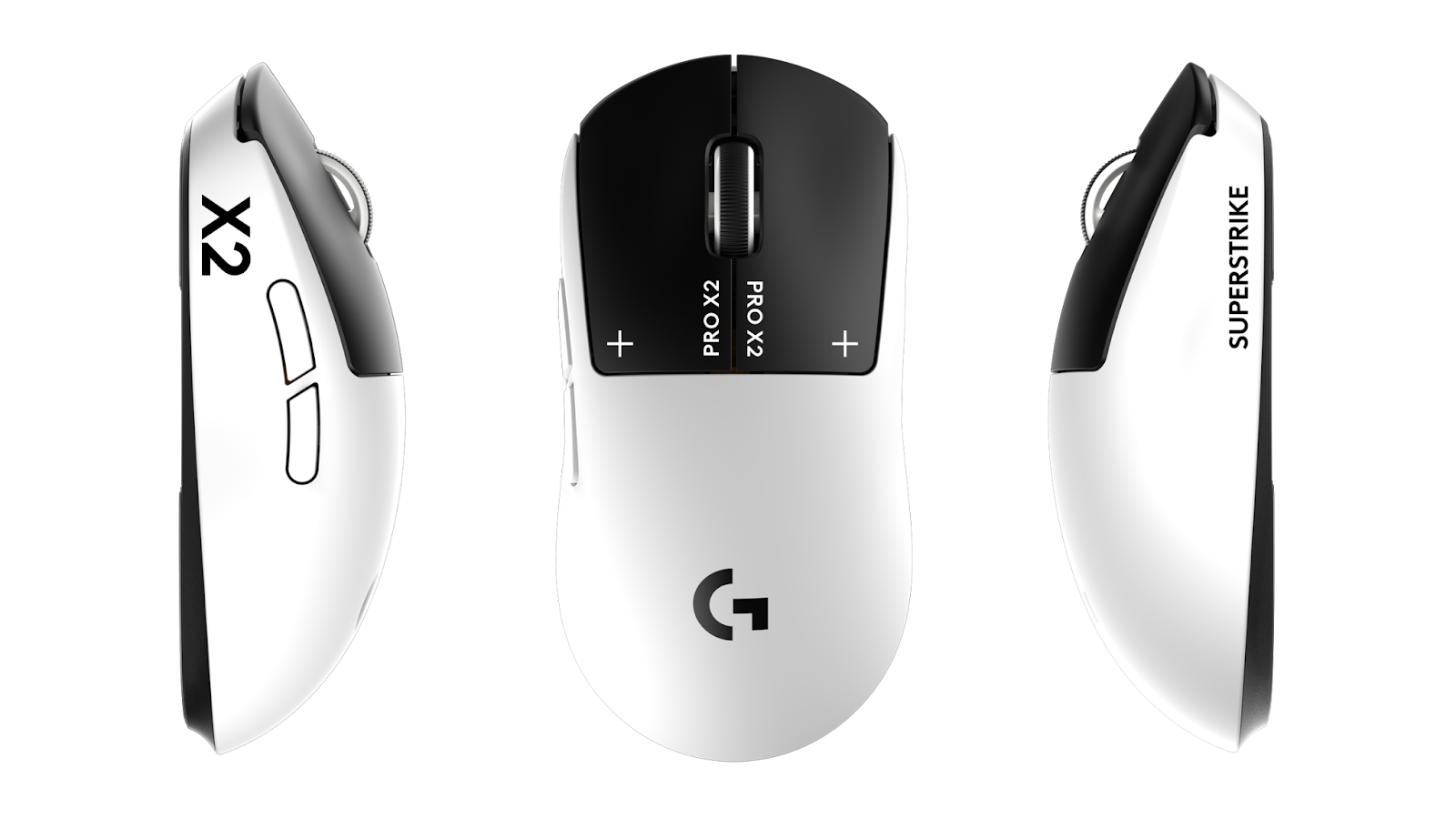
Wicadia uses a low sensitivity setup that’s standard among professional riflers. This allows for precise micro-adjustments during spray transfers and long-range duels.
| Setting | Value |
|---|---|
| DPI | 400 |
| In-Game Sensitivity | 2.0 |
| eDPI | 800 |
| Zoom Sensitivity | 1.0 |
| Hz (Polling Rate) | 1000 |
| Windows Sensitivity | 6 |
| Raw Input | On |
| Mouse Acceleration | Off |
His 800 eDPI sits in the mid-range for pros—not as low as some AWPers, but controlled enough for rifle precision. If you’re transitioning from higher sensitivity, drop gradually over a few days rather than switching cold.
For riflers who primarily use the AK-47 or M4A1-S, this sensitivity range offers excellent spray control without sacrificing the ability to flick onto targets.
Crosshair Settings
Wicadia runs a static crosshair with moderate thickness—visible on all backgrounds without cluttering your screen.
| Setting | Value |
|---|---|
| Style | 4 |
| Color | Green (1) |
| Size | 2 |
| Thickness | 0.5 |
| Gap | -2 |
| Outline | Yes |
| Outline Thickness | 1 |
| Dot | No |
| T Style | No |
Crosshair Code:
CSGO-O4Ybz-GQxWP-rKvYN-3JFXC-nMzKDCopy this code directly into your CS2 crosshair settings. The negative gap creates a tight center point, ideal for headshot-level placement. The outline ensures visibility against bright surfaces like Dust II’s walls or Mirage’s sandy textures.
Video Settings

Performance matters more than eye candy in competitive CS2. Wicadia’s video config prioritizes high FPS and enemy visibility.
| Setting | Value |
|---|---|
| Resolution | 1280×960 |
| Aspect Ratio | 4:3 |
| Scaling Mode | Stretched |
| Display Mode | Fullscreen |
Advanced Video Settings
| Setting | Value |
|---|---|
| Boost Player Contrast | Enabled |
| V-Sync | Disabled |
| NVIDIA Reflex Low Latency | Enabled |
| Multisampling Anti-Aliasing | 4x MSAA |
| Global Shadow Quality | Medium |
| Model/Texture Detail | Medium |
| Texture Filtering Mode | Bilinear |
| Shader Detail | Low |
| Particle Detail | Low |
| Ambient Occlusion | Disabled |
| High Dynamic Range | Performance |
| FidelityFX Super Resolution | Disabled |
The 4:3 stretched resolution makes player models appear wider, potentially easier to hit. Many pros swear by this setup, though it does reduce your horizontal field of view. Check out our cs2 graphic settings guide if you want to understand the tradeoffs better.
Boost Player Contrast is crucial—it makes enemies stand out against backgrounds, especially in darker areas like Inferno’s Banana or Mirage’s Apartments.
Viewmodel Settings
Wicadia uses a classic viewmodel that keeps weapons out of the way while maintaining good visual feedback.
viewmodel_fov 68viewmodel_offset_x 2.5
viewmodel_offset_y 0
viewmodel_offset_z -1.5
viewmodel_presetpos 3
cl_righthand 1
This positions the weapon low and to the right, maximizing screen real estate. The 68 FOV is the maximum allowed in competitive play.
Keybinds
Efficient keybinds separate good players from great ones. Here’s wicadia’s utility setup:
| Action | Key |
|---|---|
| Jump | Space / Mouse Wheel Down |
| Crouch | Left Ctrl |
| Walk | Left Shift |
| Use | E |
| Smoke | 4 |
| Flashbang | F |
| HE Grenade | C |
| Molotov | X |
| Decoy | – |
Having separate binds for each grenade eliminates fumbling through your inventory during fast-paced rounds. When you need a quick flash for a peek or smoke for a site execute, every millisecond counts.
The mouse wheel jump bind is essential for consistent bunny hops:
bind mwheeldown +jumpRadar Settings
Map awareness wins rounds. Wicadia’s radar settings show the entire map while keeping icons readable.
cl_radar_scale 0.4cl_hud_radar_scale 1.15
cl_radar_always_centered 0
cl_radar_rotate 1
cl_radar_icon_scale_min 0.6
Setting cl_radar_always_centered 0 lets you see more of the map when you’re near edges—critical for reading rotations and gathering information.
Audio Settings
Sound cues in CS2 can make or break clutch situations. Wicadia keeps his audio clean and focused.
| Setting | Value |
|---|---|
| Master Volume | 50% |
| Audio Output | Headphones |
| EQ Profile | Crisp |
| L/R Isolation | On |
| Perspective Correction | No |
The Crisp EQ profile emphasizes footsteps and gunfire over ambient noise. Combined with a quality headset, you’ll hear enemies pushing through smokes or rotating through connectors.
Launch Options
Keep launch options minimal—Valve has optimized most settings internally.
-novid -tickrate 128That’s it. Avoid outdated commands like -high or -threads which can actually hurt performance in CS2.
Why These Settings Work
Wicadia’s config reflects the modern pro meta: stretched resolution for larger targets, low sensitivity for precision, and minimal visual clutter. His settings aren’t exotic—they’re proven fundamentals executed consistently.
The beauty of copying pro settings is the baseline they provide. Start here, then make small adjustments based on your hardware and preferences. Maybe you prefer 1920×1080 native, or your mousepad requires slightly higher sensitivity.
If you’re exploring other pro configs, check out w0nderful cs2 settings or broky cs2 settings for alternative approaches from top-tier players.
Conclusion
Wicadia’s CS2 settings offer a balanced, performance-focused config that works for aggressive riflers. The 800 eDPI provides control without sacrificing mobility, while his video settings maximize visibility and frame rate.
Copy these settings, practice your aim, and focus on game sense—that’s what separates pros from the rest. Looking to upgrade your loadout while you climb? Browse CS2 skins to find your next favorite rifle finish.