



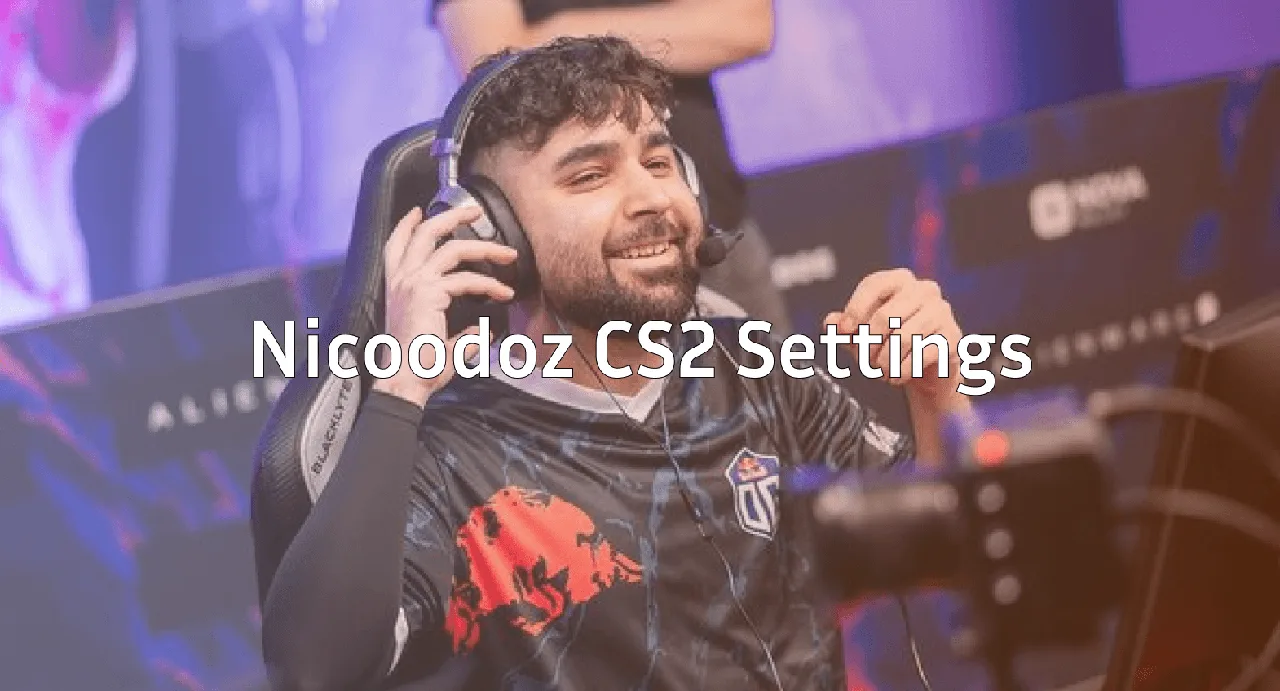
Nicoodoz CS2 Settings, Crosshair & Gear Guide
Want to aim like one of Denmark’s sharpest AWPers? We’ve broken down the full nicoodoz CS2 setup from sensitivity and crosshair to launch options and gear so you can copy his configuration in minutes and take it straight into your next match.
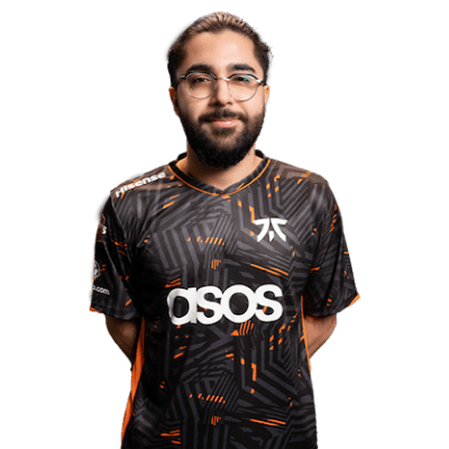
Rasmus “nicoodoz” Friis is known for his clean AWP flicks and calm hold angles. His config isn’t flashy, but it’s dialed in for precision exactly what you’d expect from a top-tier sniper.
Nicoodoz CS2 Mouse Settings
Nicoodoz plays with a low sensitivity setup, which is standard for most pro AWPers. It gives him the fine control he needs for long-range awp picks on Mid, A site, and Window on Mirage.
| Setting | Value |
|---|---|
| DPI | 400 |
| Sensitivity | 1.85 |
| eDPI | 740 |
| Zoom Sensitivity | 1.0 |
| Windows Sensitivity | 6 |
| Raw Input | 1 |
| Mouse Acceleration | 0 |
| Polling Rate | 1000 Hz |
Key takeaway: An eDPI around 700-800 is the sweet spot if you want to main the AWP. It lets you swing quickly while still hitting precise flicks.
Nicoodoz CS2 Crosshair
His crosshair is small, static, and classic no gap, no dynamic movement, just a clean reference point for flicks.
cl_crosshairstyle 4cl_crosshairsize 2
cl_crosshairthickness 1
cl_crosshairgap -2
cl_crosshair_drawoutline 1
cl_crosshair_outlinethickness 1
cl_crosshaircolor 1
cl_crosshairdot 0
cl_crosshairalpha 255
cl_crosshaircolor_r 0
cl_crosshaircolor_g 255
cl_crosshaircolor_b 0
Paste that straight into your console to replicate his exact crosshair. The green color pops well on both CT and T sides, especially on darker maps like Inferno and Nuke.
Viewmodel and HUD
Nicoodoz keeps a standard competitive viewmodel. Nothing extreme, just clean visuals that don’t block key information.
viewmodel_fov 68viewmodel_offset_x 2.5
viewmodel_offset_y 2
viewmodel_offset_z -2
viewmodel_presetpos 3
cl_bob_lower_amt 5
cl_bobamt_lat 0.33
cl_bobamt_vert 0.14
cl_bobcycle 0.98
If you prefer your weapon on the left side of the screen, check out our left hand command cs2 guide for the updated console commands.
Nicoodoz Video Settings
Nicoodoz runs a high-FPS, low-distraction setup standard pro territory.
| Setting | Value |
|---|---|
| Resolution | 1280×960 |
| Aspect Ratio | 4:3 |
| Scaling Mode | Stretched |
| Refresh Rate | 240+ Hz |
| Global Shadow Quality | Low |
| Model/Texture Detail | Low |
| Shader Detail | Low |
| Boost Player Contrast | Enabled |
| Multicore Rendering | Enabled |
The 4:3 stretched setup is popular among AWPers because enemy models appear slightly wider, making long flicks feel more forgiving.
Nicoodoz CS2 Launch Options
Nicoodoz uses a lean set of launch options focused on performance:
-novid -tickrate 128 -high -freq 240 +fps_max 400For a deeper dive into every useful flag, read our full cs2 launch options breakdown it covers everything from network tweaks to FPS boosts.
Gear and Peripherals
Pro aim isn’t just software. Here’s the hardware powering his flicks:
- Mouse: Logitech G Pro X Superlight
- Mousepad: Large cloth pad (QcK Heavy-style)
- Keyboard: Low-profile mechanical, linear switches
- Headset: HyperX Cloud II
- Monitor: 24.5″ 240Hz IPS
The lightweight mouse plus a large cloth pad is the go-to combo for low-sens AWPers it lets you make huge arm swings without running out of pad.
How to Apply Nicoodoz’s Settings
Getting his config into your game is quick:
- Open CS2 and go to Settings → Keyboard/Mouse
- Set sensitivity to 1.85 and DPI to 400 in your mouse software
- Open the developer console (enable it in Game Settings first)
- Paste the crosshair commands above
- Add the launch options via Steam → Right-click CS2 → Properties
- Restart CS2
If you want to test the feel before queuing Premier, spin up an offline server using our cs2 practice commands and warm up on some bots.
Training Like a Pro AWPer
Copying settings is step one. Getting the results takes reps. Here’s how we recommend training:
- Aim_botz for 15 minutes daily (focus on one-taps)
- Recoil Master for AK and M4 spray control
- Retake servers for real duel practice
- 1v1 servers to sharpen clutch calm our cs2 1v1 guide lists the best ones
Also learn the map-specific AWP angles. Holding Mid on Mirage or Heaven on Inferno is very different and knowing where to pre-aim is half the battle. A solid understanding of cs2 maps will do more for your rank than any config tweak.
Should You Copy Pro Settings?
Honest answer: partly. Pro sensitivity and crosshair settings are great starting points, but comfort matters more than imitation. If 1.85 @ 400 DPI feels too slow, bump it up gradually.
What you should copy:
- Raw input on, mouse accel off
- High refresh rate and uncapped FPS
- A clean, static crosshair you can actually see
What’s personal:
- Exact sensitivity number
- Viewmodel position
- Resolution (4:3 vs 16:9)
Final Thoughts
The nicoodoz CS2 setup is a textbook AWPer config low sens, clean crosshair, stretched 4:3, and no-nonsense launch options. Copy it as a baseline, then tweak until it feels like yours.
Ready to look the part too? Browse cs2 skins on cs2.ad to find an AWP finish worthy of your new setup.