



Nikola “NiKo” Kovač is one of the most mechanically gifted riflers in Counter-Strike history, and copying his setup is one of the fastest ways to level up your own aim. Below you’ll find the complete, up-to-date NiKo CS2 settings — mouse sensitivity, crosshair code, viewmodel, video config, and hardware — as used on Falcons.
Who Is NiKo?
NiKo is a Bosnian professional CS2 player born on February 16, 1997. He has been active since 2009, competing across CS 1.6, CS:GO, and now CS2, earning roughly $1,873,696 in career prize money. He currently plays as an entry rifler for Falcons Esports, alongside teammates like m0NESY, karrigan, TeSeS, and kyousuke.
Known for: Instinctive fragging, insane one-taps, and carrying rounds almost single-handedly.
NiKo CS2 Mouse Settings
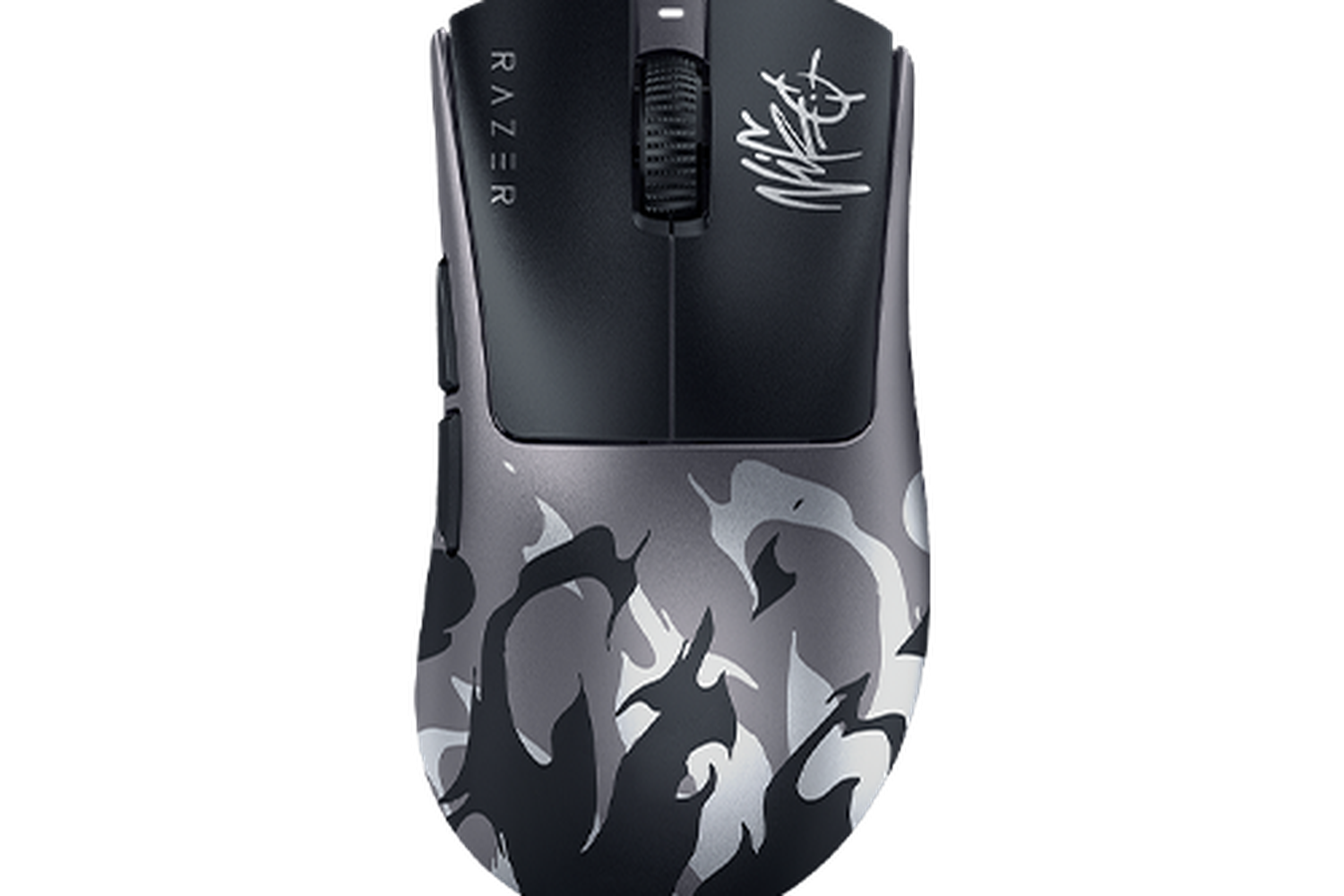
NiKo runs a relatively high sensitivity compared to his past configurations, aligning closer to the pro average for quick target acquisition while maintaining his signature precision.
| Setting | Value |
| DPI | 800 |
| In-game Sensitivity | 1.0 |
| eDPI | 800 |
| Zoom Sensitivity | 1.0 |
| Windows Sensitivity | 6 |
| Raw Input | On |
| Mouse Acceleration | Off |
| Polling Rate | 1000 Hz |
Key takeaway: His 800 eDPI is a bit lower than the pro average, giving him tighter spray control on the ak-47 and m4a4.
NiKo CS2 Crosshair
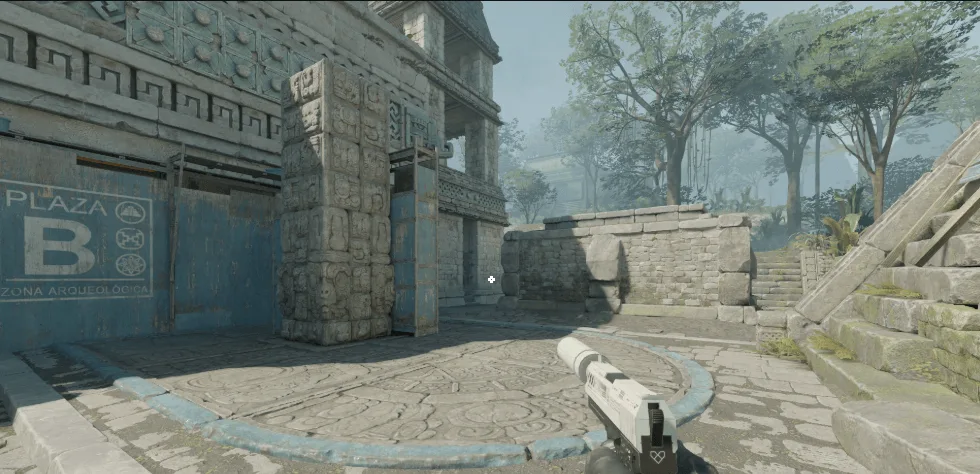
NiKo uses a small, classic static crosshair with a tight gap — highly optimized for precise first-bullet accuracy and head-level rifle placement.
Crosshair code:
CSGO-m89VO-6zPDr-53TJ9-OySAJ-V8Y2Q| Setting | Value |
| Style | 4 (Classic Static) |
| Center Dot | No |
| Length | 1 |
| Thickness | 1 |
| Gap | -4 |
| Outline | No |
| Color | Custom |
| Red / Green / Blue | 255 / 255 / 255 (White) |
| Alpha | 255 |
Pair this with sharp video settings and you’ll instantly notice better target acquisition. If you’re still tuning your visuals, check our full CS2 graphic settings guide to squeeze more clarity from your setup.
NiKo CS2 Viewmodel Settings
His viewmodel is positioned to the side with a maxed-out field of view, keeping his screen as clear as possible for tracking targets.
| Setting | Value |
| viewmodel_fov | 68 |
| viewmodel_offset_x | 2.5 |
| viewmodel_offset_y | 0 |
| viewmodel_offset_z | -1.5 |
| viewmodel_presetpos | 2 |
NiKo CS2 Video Settings
NiKo prioritizes frames over eye candy, running low settings on a high-end rig to maximize responsiveness.
Resolution & Display
| Setting | Value |
|---|---|
| Resolution | 1280×960 |
| Aspect Ratio | 4:3 |
| Scaling Mode | Stretched |
| Display Mode | Fullscreen |
| Refresh Rate | 540 Hz |
Advanced Video
| Setting | Value |
| Boost Player Contrast | Disabled |
| Wait for Vertical Sync | Disabled |
| Multisampling Anti-Aliasing | 8x MSAA |
| Global Shadow Quality | High |
| Model / Texture Detail | Low |
| Texture Filtering Mode | Trilinear |
| Shader Detail | Low |
| Particle Detail | Low |
| Ambient Occlusion | Disabled |
| High Dynamic Range | Quality |
| FidelityFX Super Resolution | Disabled (Highest Quality) |
Key takeaway: Opting for 8x MSAA and Quality HDR ensures clean player models and readable edges at a distance, while keeping textures on Low guarantees maximum frame stability during chaotic site executes.
NiKo’s Gear & Hardware
Great settings only take you so far — the peripherals matter too.
| Gear | Model |
|---|---|
| Mouse | Logitech G Pro X Superlight 2 |
| Mousepad | Logitech G640 |
| Keyboard | Logitech G Pro X TKL |
| Headset | HyperX QuadCast |
| Monitor | BenQ ZOWIE XL2540 |
| Chair | AutoFull M6 Ultra |
NiKo’s Launch Options & Config
Add these to Steam → CS2 → Properties → Launch Options:
-noreflexPair the launch options with these useful console commands to mirror his HUD and radar preferences:
cl_radar_always_centered 1
cl_radar_scale 0.35

cl_hud_radar_scale 1.1
How NiKo’s Settings Compare to Other Falcons Pros
If you’re building a team-inspired setup, it’s worth comparing NiKo’s config with his teammate karrigan’s CS2 settings — the veteran IGL runs slightly different sens and viewmodel values suited to his support role.
For AWP-focused players, m0NESY’s config is a better reference. Riflers looking for another entry-fragger benchmark should also peek at broky’s CS2 setup, which shares a similar low-sens philosophy.
Should You Copy NiKo’s Settings?
Yes — with caveats. His crosshair, viewmodel, and video config are excellent starting points for any rifler. But sensitivity is personal:
- If you play on 800 DPI, set your in-game sens to 1.0 to match his updated 800 eDPI.
- If you are transitioning from a vastly different configuration, adjust your current setup gradually by 5–10% weekly to find your sweet spot.
- Never copy someone’s sensitivity blindly — your muscle memory and mousepad space matter more than any pro’s exact numbers.
Once your aim feels dialed in, treat yourself with a fresh loadout — browse all rifles or grab a clean m4a1-s to match your new pro-tier config.
Final Thoughts
NiKo’s setup is the blueprint for a mechanical rifler: low sens, tight crosshair, low-detail video for max FPS, and pro-grade peripherals.opting NiKo CS2 settings, you’re not just mimicking a pro—you’re learning from one of the best in the game.