




Abdulkhalik “degster” Gasanov has established himself as one of the most explosive AWPers in professional Counter-Strike. If you want to replicate degster’s CS2 configuration, you’re in the right place.
This guide breaks down his complete settings from mouse sensitivity to crosshair code so you can test his setup in your own games.
Who Is Degster?
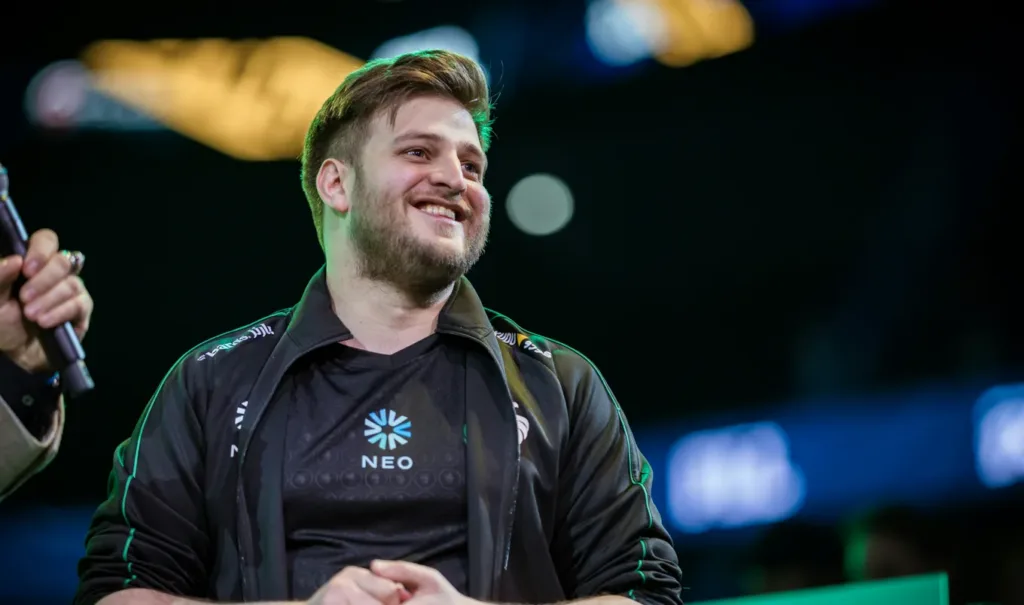
Degster is a Russian professional CS2 player known for his aggressive AWP style and incredible flick shots. He’s competed at the highest level of Counter-Strike, showcasing consistent performances against top-tier opposition.
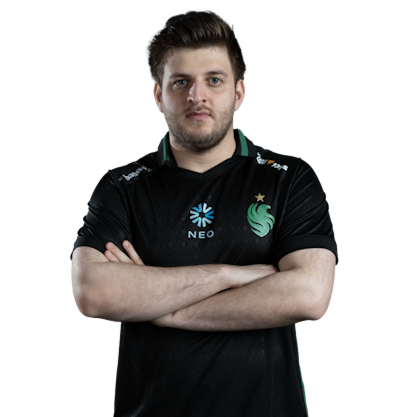
His playstyle combines quick reaction times with smart positioning, making his settings particularly interesting for aspiring AWPers who want to balance precision with speed.
Degster’s Mouse Settings
Mouse settings are crucial for any AWP player. Degster uses a relatively moderate sensitivity that allows for both quick flicks and precise micro-adjustments.
| Setting | Value |
|---|---|
| DPI | 400 |
| In-Game Sensitivity | 2.0 |
| eDPI | 800 |
| Zoom Sensitivity | 1.0 |
| Hz (Polling Rate) | 1000 |
| Windows Sensitivity | 6 |
| Raw Input | On |
| Mouse Acceleration | Off |
His eDPI of 800 sits in the medium range for professional players. This gives him enough speed to clear angles quickly while maintaining the control needed for those highlight-reel AWP shots.
Degster’s Video Settings
Competitive video settings prioritize visibility and frame rate over visual fidelity. Degster’s configuration follows this philosophy.
| Setting | Value |
|---|---|
| Resolution | 1280×960 |
| Aspect Ratio | 4:3 |
| Scaling Mode | Stretched |
| Display Mode | Fullscreen |
| Brightness | 100% |
Graphics Quality Settings
| Setting | Value |
|---|---|
| Global Shadow Quality | Medium |
| Model/Texture Detail | Low |
| Texture Filtering Mode | Bilinear |
| Shader Detail | Low |
| Particle Detail | Low |
| Ambient Occlusion | Disabled |
| High Dynamic Range | Performance |
| FidelityFX Super Resolution | Disabled |
The 4:3 stretched resolution makes player models appear wider, potentially making targets easier to hit. Many AWP players prefer this setup because it can make quick flicks feel more natural. Check out our CS2 launch options guide to optimize your game’s startup settings.
Degster’s Crosshair Settings
A clean, visible crosshair is essential for consistent aim. Here’s degster’s crosshair configuration:
| Setting | Value |
|---|---|
| Style | 4 (Classic Static) |
| Size | 2 |
| Thickness | 0 |
| Gap | -3 |
| Outline | Yes |
| Outline Thickness | 1 |
| Color | Green (1) |
| Dot | No |
Crosshair Code
Copy this code and paste it in your console to use degster’s exact crosshair:
CSGO-Ozhpd-rODzp-YzYqF-PYtjN-nXevFAlternatively, apply these settings manually:
cl_crosshairsize 2cl_crosshairgap -3
cl_crosshairthickness 0
cl_crosshairstyle 4
cl_crosshaircolor 1
cl_crosshair_outlinethickness 1
cl_crosshair_drawoutline 1
Degster’s Viewmodel Settings
Viewmodel preferences affect how your weapon appears on screen. Degster uses a setup that keeps the gun model out of his primary field of view.
viewmodel_fov 68viewmodel_offset_x 2.5
viewmodel_offset_y 0
viewmodel_offset_z -1.5
viewmodel_presetpos 3
cl_righthand 1
These settings push the weapon model to the side, giving you a cleaner view of your crosshair and targets. If you prefer playing left-handed, check our left hand command guide.
Degster’s Keybinds
Efficient keybinds can improve your gameplay significantly. Here are some of degster’s key bindings:
| Action | Key |
|---|---|
| Jump | Space / Mouse Wheel Down |
| Crouch | Ctrl |
| Walk | Shift |
| Primary Weapon | 1 |
| Secondary Weapon | 2 |
| Knife | 3 |
| Quick Switch | Q |
For more advanced binding options, explore our comprehensive CS2 binds guide.
Degster’s Gaming Gear
Professional players invest in quality peripherals. Here’s degster’s equipment:
| Equipment | Model |
|---|---|
| Mouse | Logitech G Pro X Superlight |
| Mousepad | ZOWIE G-SR |
| Keyboard | Logitech G Pro X |
| Monitor | BenQ ZOWIE XL2546K (240Hz) |
| Headset | HyperX Cloud II |
The G Pro X Superlight is popular among pros for its lightweight design (63g), which reduces fatigue during long practice sessions and tournaments.
Tips for Using Degster’s Settings
Before copying these settings exactly, consider these points:
- Sensitivity is personal — Degster’s eDPI might feel too fast or slow for you. Use it as a starting point and adjust.
- 4:3 stretched takes time — If you’re switching from 16:9, expect an adjustment period.
- Practice your flicks — His aggressive AWP style requires excellent flick aim. Use practice commands to set up training sessions.
- Hardware matters — A 240Hz monitor and lightweight mouse contribute significantly to his performance.
Conclusion
Degster’s CS2 settings reflect his aggressive, flick-heavy AWP playstyle. His moderate sensitivity, stretched resolution, and clean crosshair work together to support quick target acquisition and precise shots.
Copy his configuration as a starting point, then fine-tune based on your preferences. Browse CS2 skins to customize your AWP while you’re perfecting your aim with these pro settings.